


Interactive Lessons
Turn a PDF, PPT or prompt into a narrated, interactive video lesson.
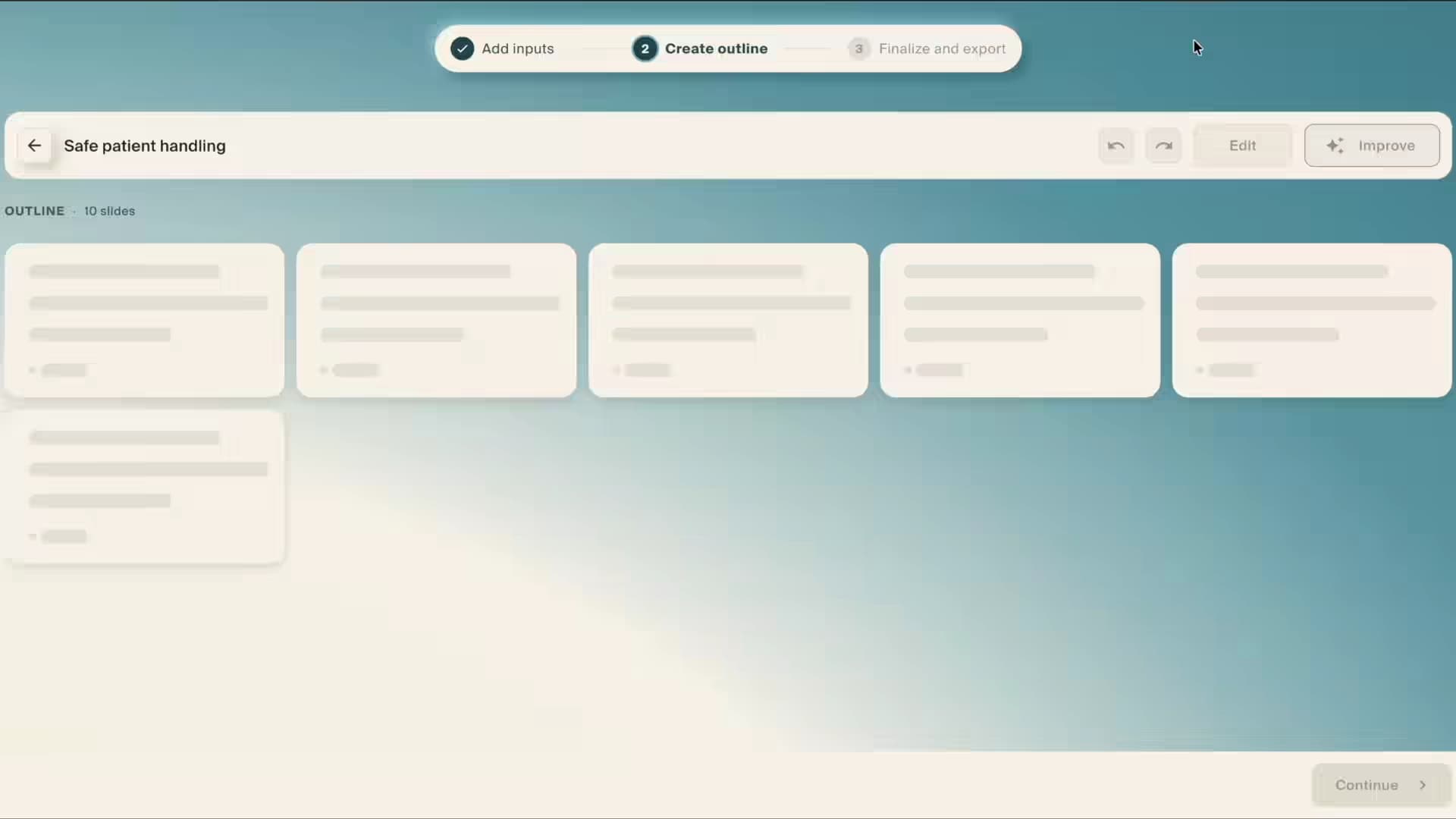
A PDF walks in. A lesson walks out.
- 01
Bring what you already have
A PDF, a deck, a recorded session, a policy document, or just a brief.
- 02
Build it with AI, not from scratch
Avatars, voice, slides, graphs and branching scenarios are generated from that brief, so a first draft takes a fraction of the usual time.
- 03
Review it together
Your team reviews and edits in real time. Lincoln Learning had 50 instructional designers working at once.
- 04
Publish where people already learn
Publish direct or export to your LMS, SCORM-compliant and with progress tracking.

What it looks like at scale
“Honestly, if it wasn’t for Creatium, the thousands of interactive videos we’re making simply would be out of the budget. But with Creatium’s AI-powered tool, it’s possible.”
Both figures are Lincoln Learning’s own. The 2,100 came in their second year (the year-one pilot team made 600+), so it’s a curve, not a standing rate. And the 95% is cost per video against their previous production process, not a saving across a whole program.